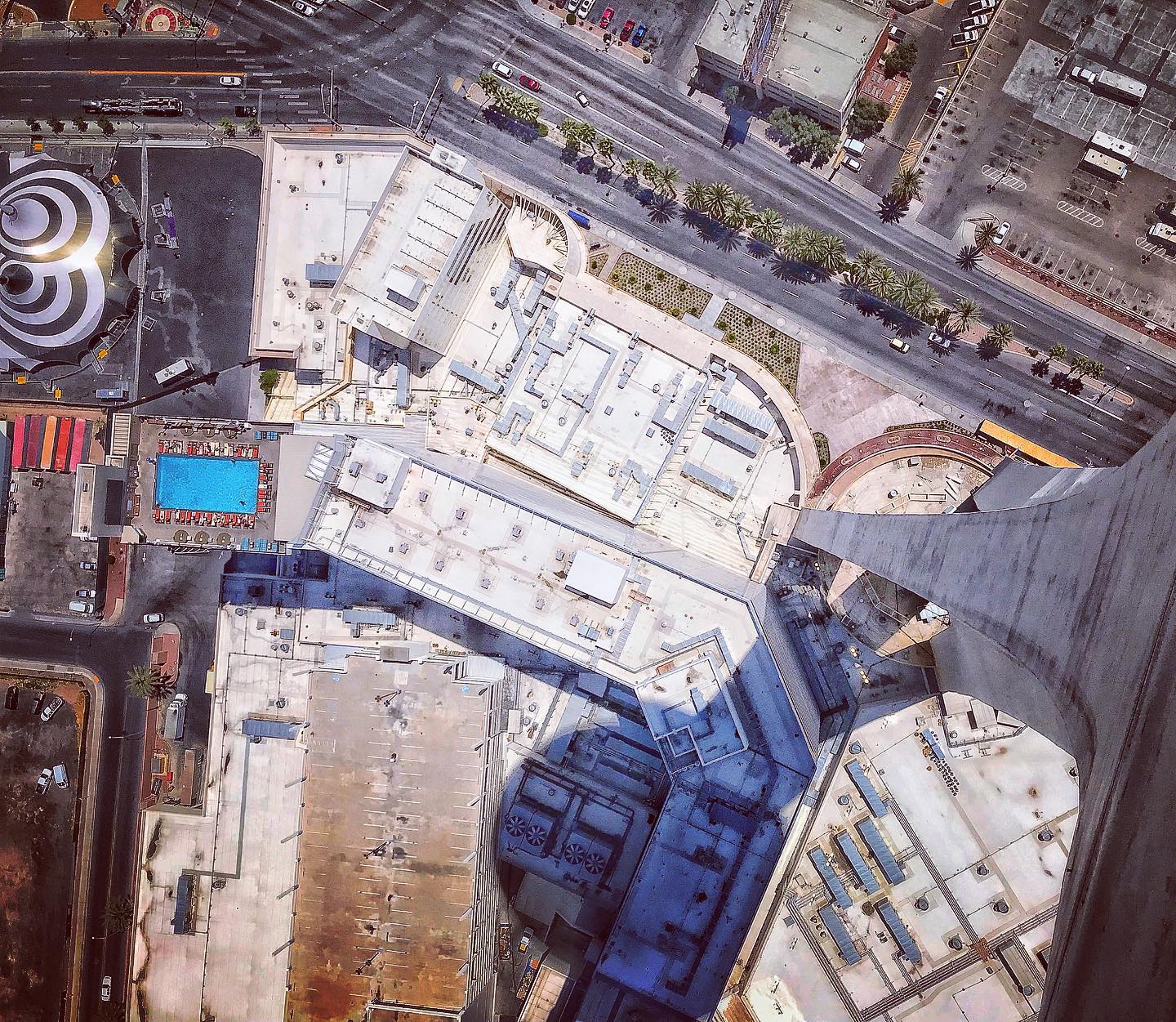
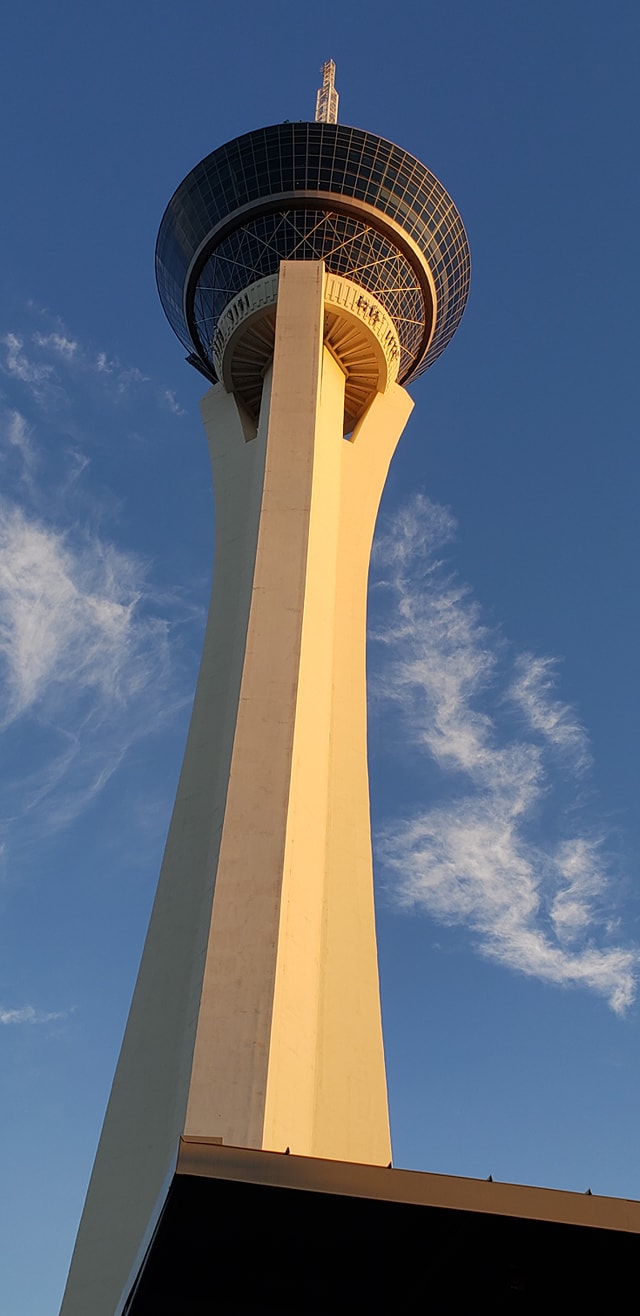
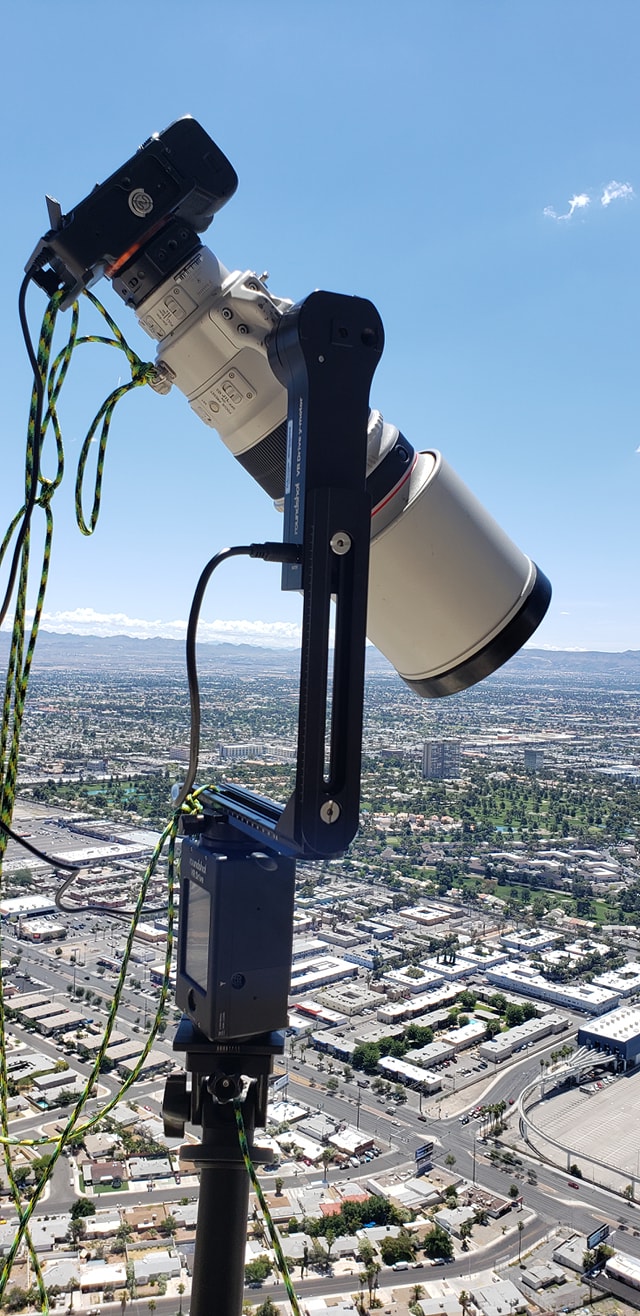
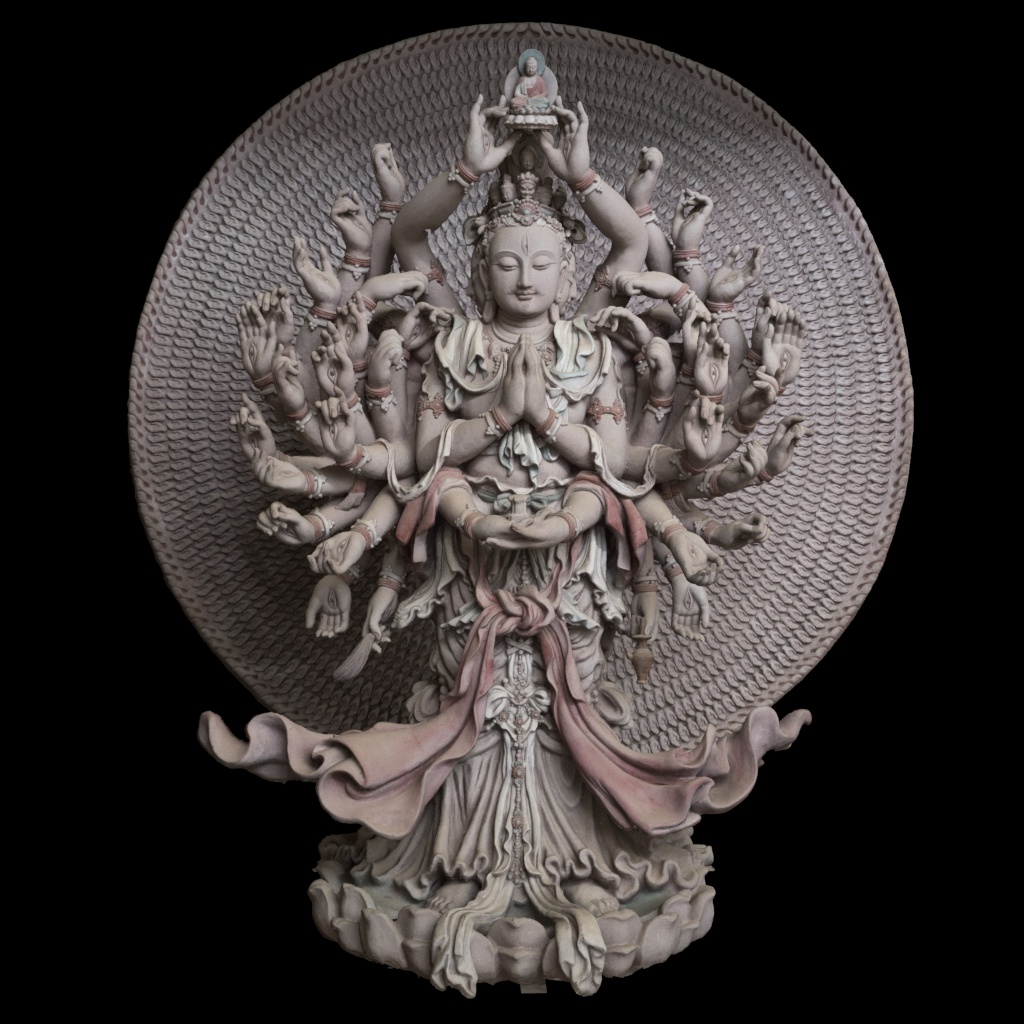
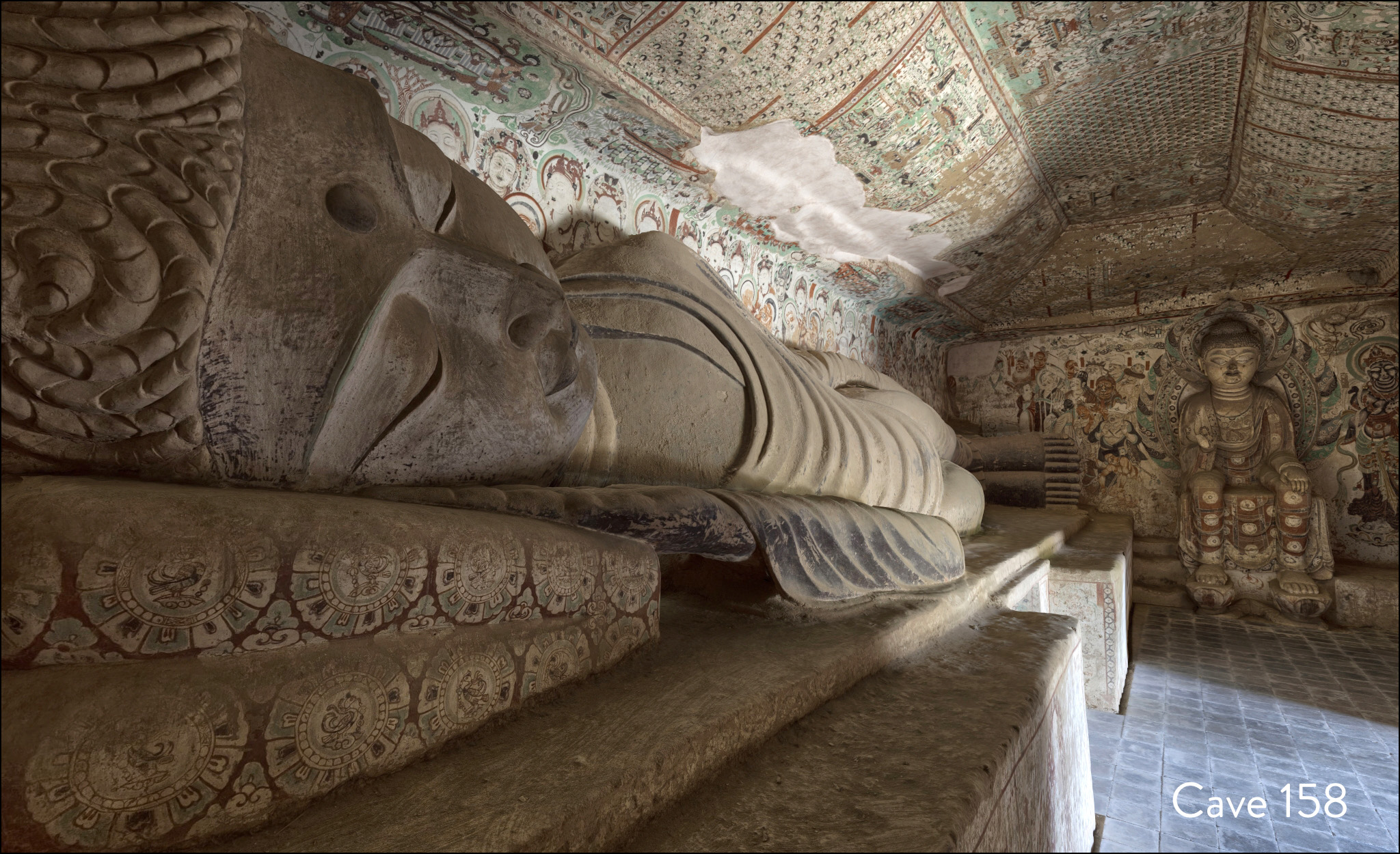
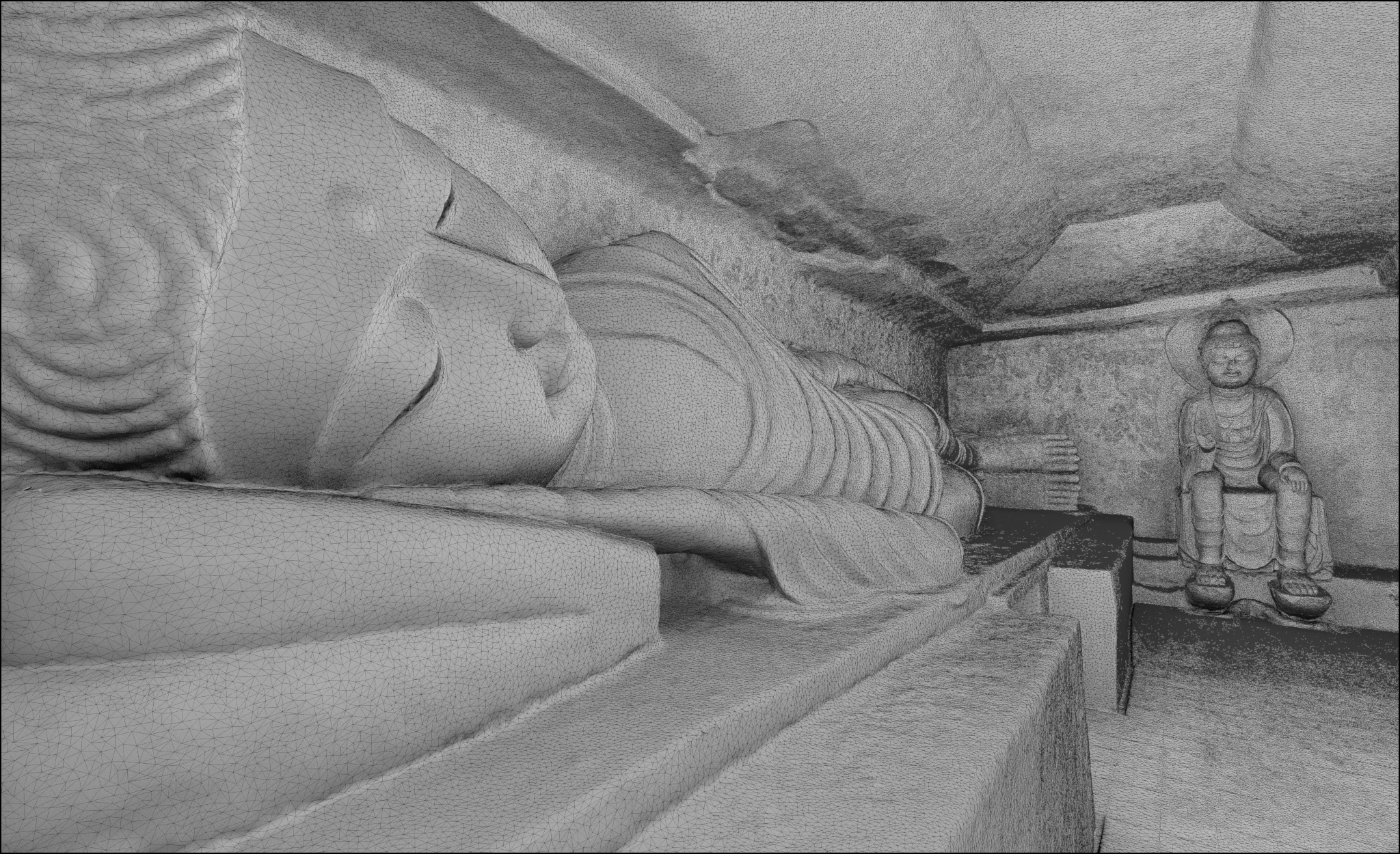
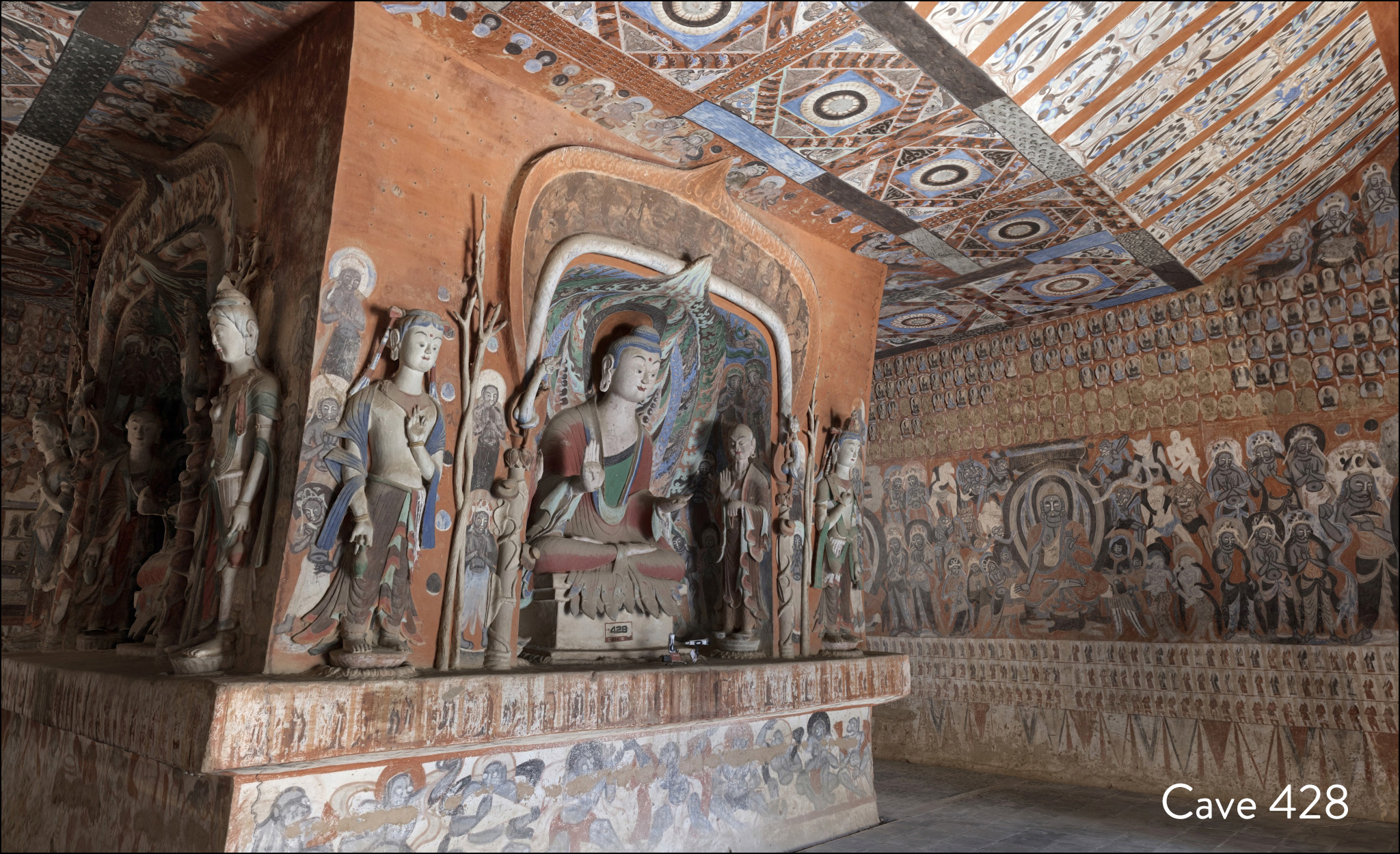
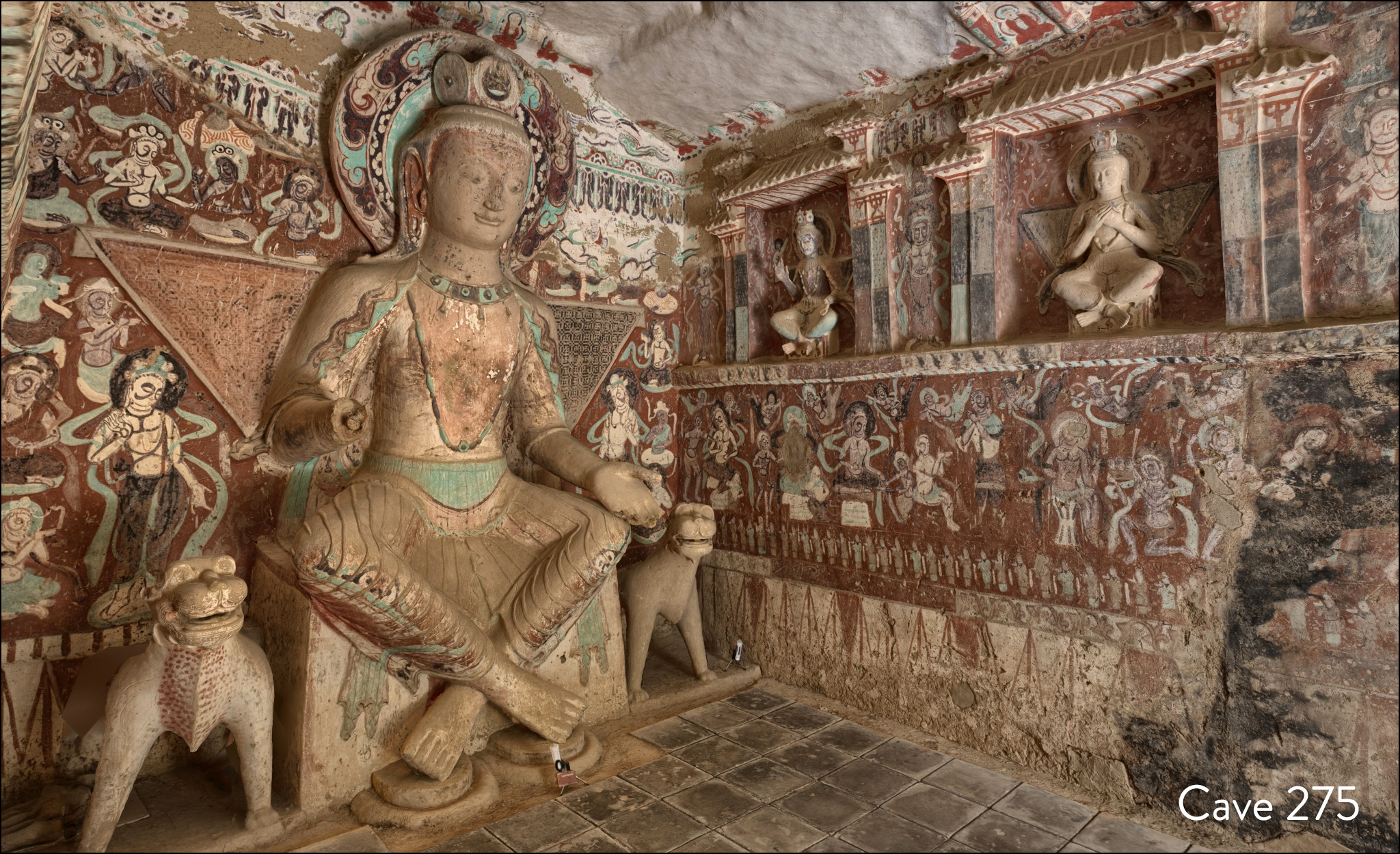
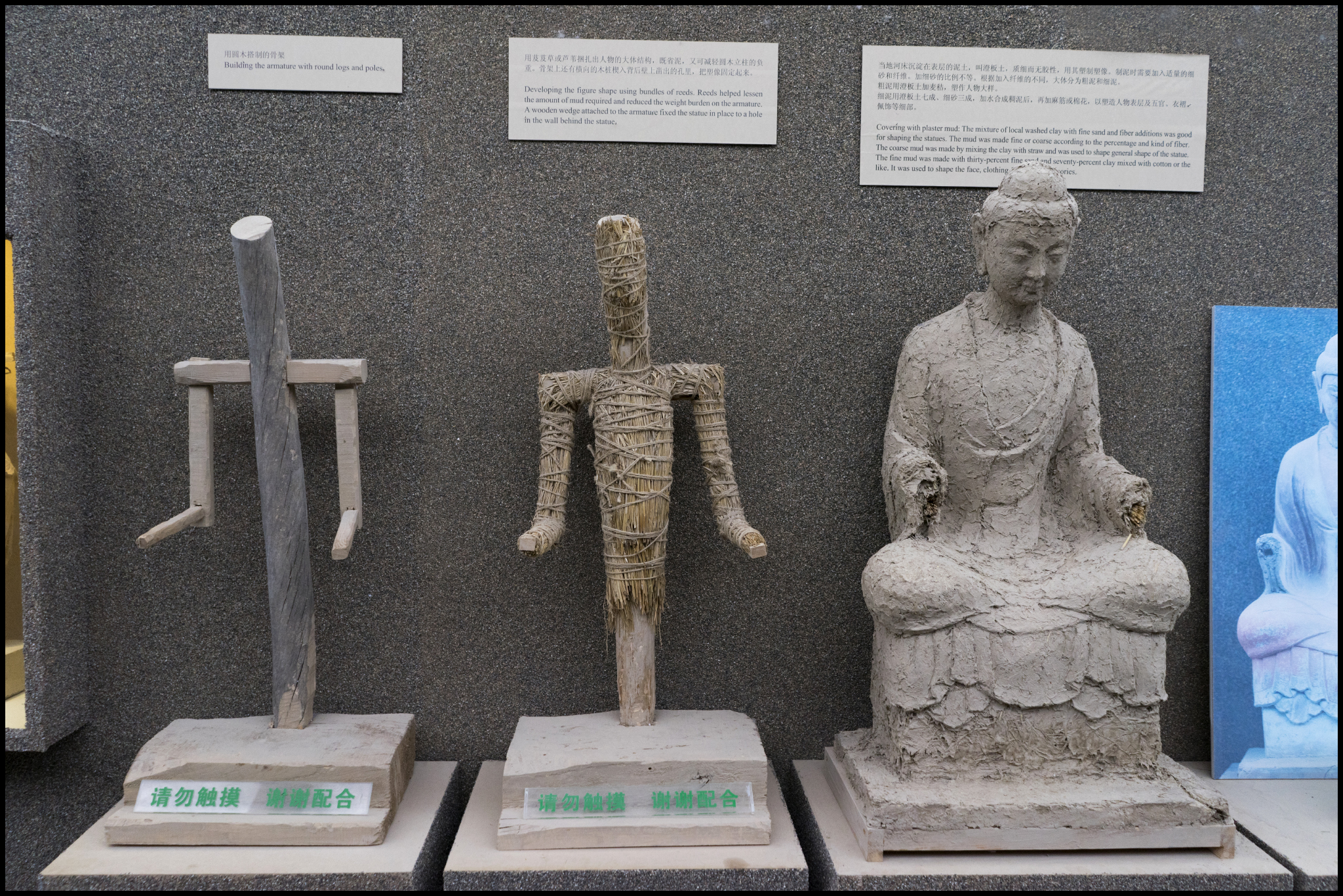
We are honored to participate in the Annenberg Space for Photography Digital Darkroom exhibition, running from Dec 17 to May 28 2012. We will be lecturing on the evening of Jan 12 in the IRIS Nights lecture series, giving a talk entitled “Post Digital: Expanding the Boundaries of Photography”. We will show examples that illustrates the expansion and erosion of boundaries that digital technology affords the contemporary photographer.

Be sure to get the free tickets as these events have been selling out, online registration for this event begins Wednesday, January 4 at 12pm PT. Please join us!!


xRez Studio is partnering with GlacierWorks, a non-profit organization that uses art, science, and adventure to raise public awareness about the consequences of climate change in the Greater Himalaya. By comparing modern high-resolution gigapixel imagery with archival photographs taken over the past century, GlacierWorks seek to highlight glacial loss and the potential for a greatly diminished water supply throughout Asia.

Founded in 2007 by mountaineer, photographer, and filmmaker David Breashears, the GlacierWorks team has made eight expeditions to the Greater Himalaya. Retracing the steps of pioneering alpine photographers and explorers George Mallory and Vittorio Sella, among others, the team has captured new images that precisely match the earliest photographic records. The GlacierWorks team is currently in Tibet, gathering information and documentation about the people who will be most affected by climate change.

xRez Studio has been advising GlacierWorks in imaging technology and computational photography techniques as well as performing the post-production used to maximize the information gathered on these expeditions. By using the latest techniques in gigapixel photography, computer animation, and photogrammetry, we hope to help create some of the most detailed documentation of this region ever created. A massive photogrammetry effort is currently underway to recreate precise and highly detailed 3d terrain models from high-altitude helicopter flights taken by GlacierWorks, using a custom multi-camera panoramic rig specified by xRez Studio. The rig has a design requirement of being very light weight due to the thin air found at high altitude. GlacierWorks has already captured over 100,000 aerial photos with this rig and xRez Studio is currently processing these into a highly detailed gigapixel textured 3d map of the region. Additional interactive media is being developed for narrative digital journeys of the area, from insights into local culture to illustrating ongoing scientific glacial research.

Please visit GlacierWorks.org for further information.

Link to BBC David Breashears Interview

Link to Asia Society/ Frontline On Thinner Ice Video

Khumbu Icefall/ Pumori Camp Gigapixel:

Khumbu Glacier Above Kala Pattar Gigapixel:

Concordia Glacier w/ K2 Gigapixel:

Virtual Flight Into Khumbu Icefall:

Misc Images:


xRez Studio’s Eric Hanson and the Yosemite Extreme Imaging Project were featured in August 2011 edition of Popular Science in an article entitled, “The 25 Coolest College Labs in the Country“:

“I worked for all the big effects studios for years, and I hit a point where I was destroying New York for the fifth or sixth time,” says Eric Hanson, a visual-effects instructor at the University of Southern California. “I said, ‘There’s got to be a more constructive use of these tools.’ ”

USC’s Visualizing Science Initiative illuminates scientific concepts through visual effects. The goal is threefold: Students on their way to jobs in Hollywood or the gaming industry will be more likely to inject science into entertainment, scientists will develop better ways to communicate their work to laymen, and digital tools will improve real research.

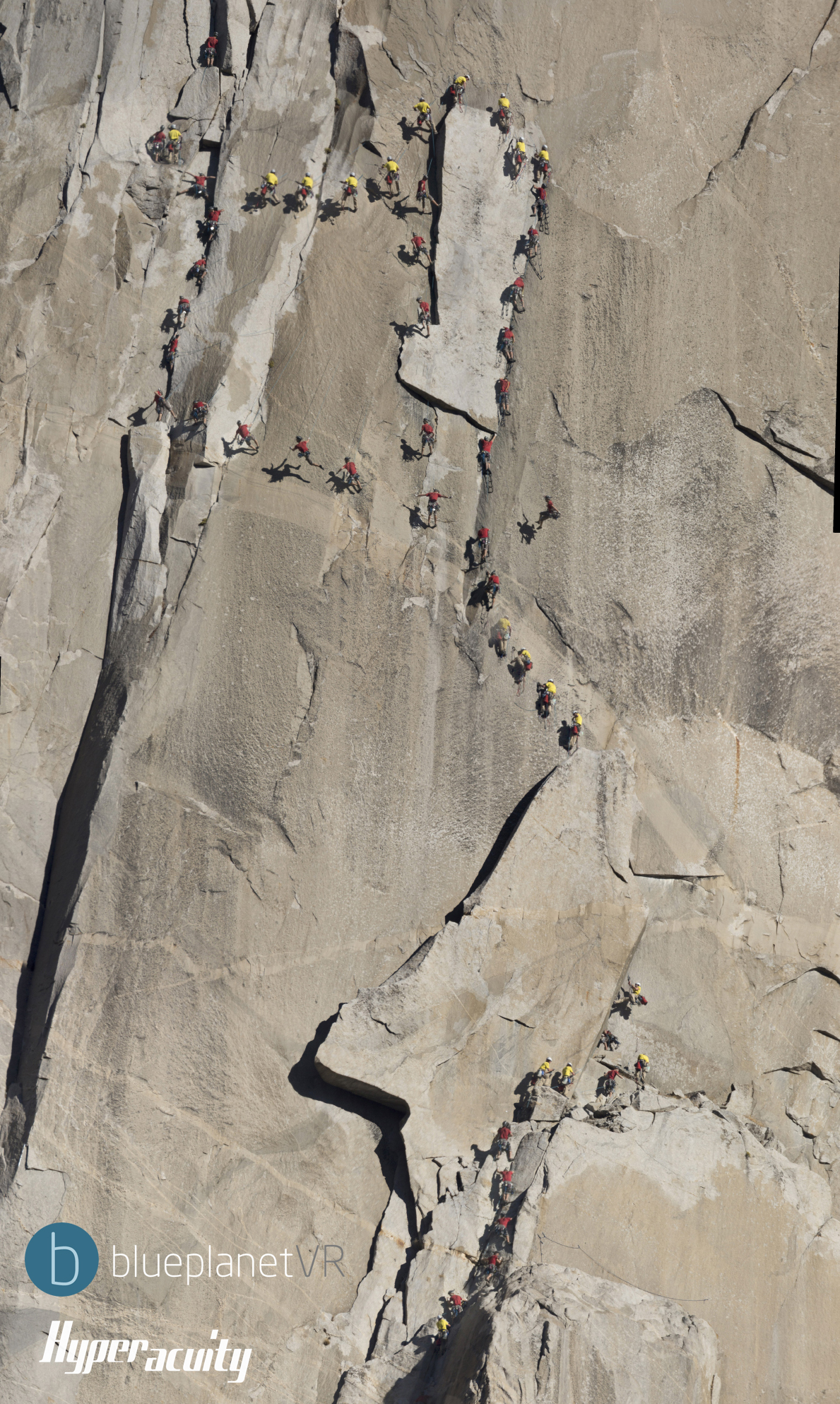
In 2008, several students, led by Hanson, helped take 10,000 overlapping photos of the Yosemite Valley in California to create a panorama and then projected the photos into a digital terrain model. National Parks Service geologist Greg Stock compares the detailed model with subsequent photos to determine how the valley is changing.

Hanson and his students have also collaborated on a topographically accurate digital model of Catalina Island and the surrounding seafloor. Professor Kathy Smith takes advanced animation students out to Catalina to model biological research being done there. While there, the students might illustrate climate change in 3-D or model how underwater tubeworms convert toxic chemicals from thermal vents into sugars.

LINK


We were recently approached by Bay Area design firm Elixir for usage of a series of sections of our Yosemite Extreme Imaging project, toward a new web design for noted outdoor clothing manufacturer Prana. We happily obliged, and enjoyed seeing what was created. Elixir scoured our gigapixel images and assembled a Prana logo from found shadows on El Cap and other walls in the valley. A nice synchronicity with nature.


With time to burn while camping on recent panoramic photo workshops held on Anacapa Island and Red Rock Canyon led by xRez’s Greg Downing for the Gnomon School of Visual Effects, we enjoyed some decent results using new led light clusters and purple and green lasers. Nothing revolutionary, but it seemed to be a good combination of sources, after years of mixed results in light painting experimentation.


xRez recently returned from leading a photo workshop in Santa Fe and Albuquerque for the IAIA, the Institute of American Indian Arts, and the UNM Arts Lab, teaching our techniques for integrating panoramic images into fulldome projection. The IAIA has recently constructed an amazing operable dome for their students, and the UNM Arts Lab has a long history of leading fulldome culture and research. A day at Pecos National Historic Park allowed on-site capture of pueblo ruins and kivas, then two days of classroom instruction in PTGui, Maya, and photogrammetry techniques at UNM rounded the session. Afterward, a visit was made to several locations in New Mexico, including Valley of Fires, Bosque del Apache, Three Rivers Petroglyphs, Sunspot Solar Observatory, and White Sands NM. Thanks go out to David Beining, Ethan Bach, Carlos Peinado, Bill Hanson, Richard Jost, Cody Harrington, and Greg & Angie Schaaf for the warm hospitality.

IAIA Dome:


Pecos NHP Kiva:

Sunspot Observatory Exterior (infrared):

Sunspot Observatory Interior:

Sacramento Mountain Hideout:

Sacramento Mountain Hideout (infrared):

Standard Issue New Mexico Sunset:

Time-lapse Work:


In June of 2010 xRez Studio set out to document one of the oldest rock art panels in North America, known as Shaman’s Panel. Located in a remote side drainage of the Grand Canyon and under the jurisdiction and protection of the NPS, it is a difficult site to reach, which has likely contributed to it’s somewhat limited vandalism. Estimated to be between 3,000 and 15,000 years old, it is extremely fragile and is marked by much wear. In spite of the condition, it exhibits a rich layering of successive and evocative paintings created over a long span of time by many Native Americans. It also displays unique polychrome features, including green suns, mountain lions with red claws, and trademark otherworldly figures.

xRez set out to document the landmark panel with new photogrammetry and gigapixel techniques under development in the studio. Placed on a steeply slanted overhang, camera access was limited, so a base series of 182 vertical overlapping shots were taken at increments across the length. Next, multiple survey angles were methodically shot of the entire geologic surface, in order to later regenerate the topology with dense cloud-based photogrammetry. In post, all 182 3d camera positions were recovered from this process, and used to texture the mesh surface in 3d in Maya utilizing the 182 21MP full-resolution images. Finally, a true orthographic projection was rendered in Mental Ray at over a gigapixel in resolution, viewable below. You can see a visual description of how we do this on our Photogrammetric Gigapixel Images post.

Jon Harman’s excellent ImageJ plugin DStretch was then used to reveal faint and obscured details in the images by manipulating color relationships in the original gigapixel image, which can be seen by clicking on the “false color” buttons in the image below. Some artwork largely undetectable to the naked eye can now be perceived more readily.

In addition, we have now finished earlier rock art work shot in the Great Gallery in Horseshoe Canyon of Canyonlands NP and a few other sites in southern Utah, which can be explored at high resolutions here as well. Lastly, a motion-control rig was used recently to shoot across Sky Rock outside of Bishop, CA in the Owens Valley, one of the few rock art panels which face upward to the sky. Also included in the video is Wahweap Hoodoos in Utah and CalTech Radio Observatory in the Owens Valley, CA.

Reconstructed geometry and mapping:

Shaman’s Panel:

The above gigapixel image was generated from the following group of images displayed in photosynth:

Great Gallery, Horseshoe Canyon, Canyonlands NP, Utah:

Un-named Panel, Horseshoe Canyon, Canyonlands NP, Utah:

Un-named Panel, Horseshoe Canyon, Canyonlands NP, Utah:

Sego Canyon Panel, Utah:

Sky Rock, Owens Valley, CA:


xRez Studio has completed an animated sequence illustrating the geological forces leading to the creation and carving of the Grand Canyon for use in the new visitor center film “Grand Canyon: A Journey of Wonder”, produced by Aperture Films. Working under direction of noted geologic consultants Karl Karlstrom and Carl Bowman, the animation follows the initial formation of the Vishnu Mountains 1,750 millions years ago (MYA), to sedimentation from ancient seas at 500 MYA, to the uplift of the Colorado Plateau at 70 MYA, and ultimately the act of final carving of the canyon at 6 MYA. Other key geologic concepts such as the supergroup were omitted for brevity in order to allow easy comprehension in a short span within the film. Narration by Peter Coyote further augments the audience understanding in the screenings.

.


Contact: info@xrez.com
Office Phone: 310.915.1654